
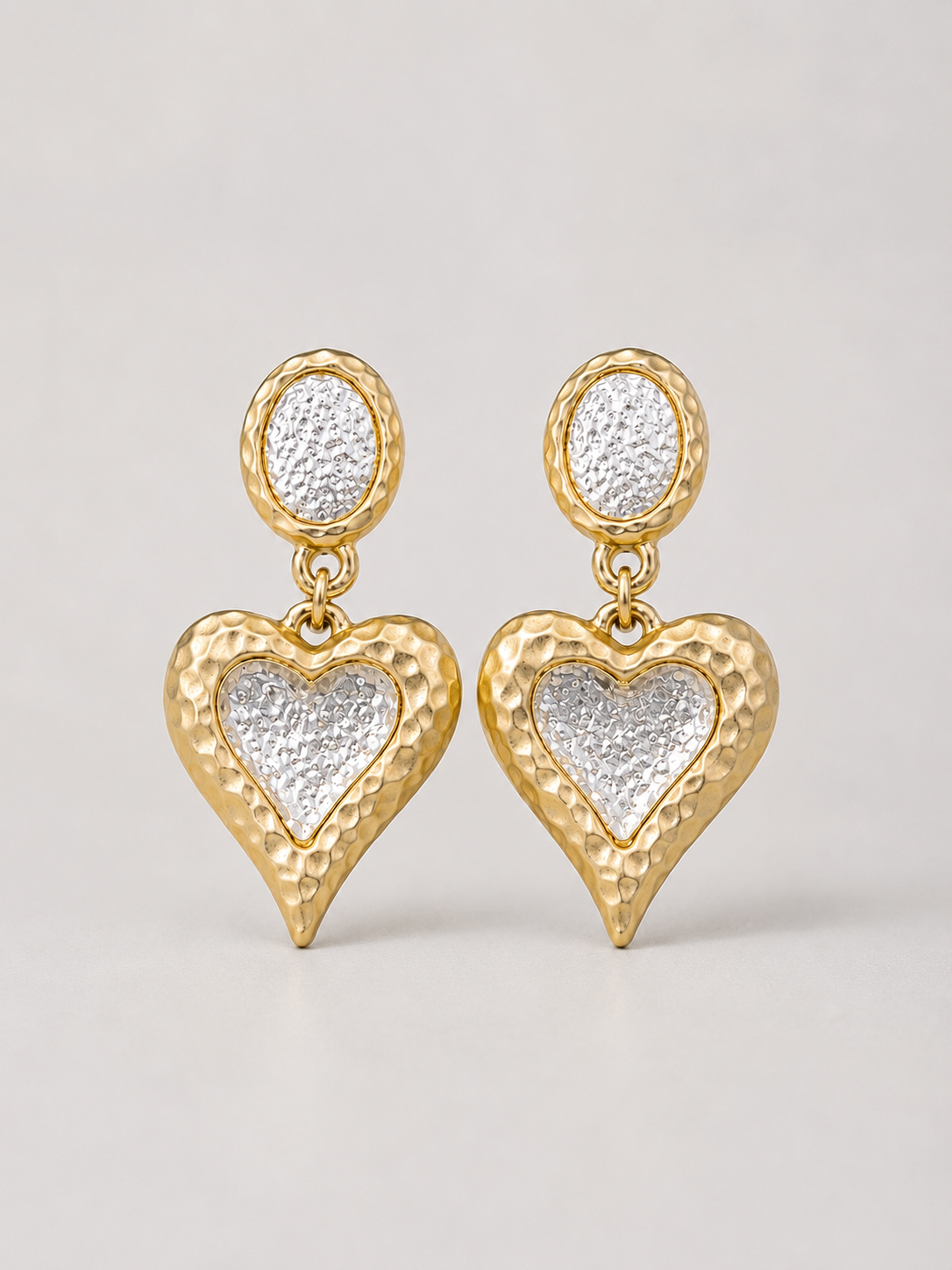
A jewelry tag has to remain associated with the correct unit while leaving the piece easy to inspect. The barcode also needs a printable, scannable surface. Those needs are often better served by a product card or package than by squeezing a large label onto a tiny ornament.
Choose what will carry the tag
Begin with the complete selling unit and its normal support. For an earring pair, that might be a card that keeps both earrings together. For a brooch, it might be the identified tray insert or individual package. For a necklace, choose a supported package arrangement that does not make a decorative link carry the tag's weight.
Avoid attaching adhesive directly to a jewelry finish unless its suitability has actually been established. Do not use an earring post, brooch pin, moving hinge, or decorative drop as a convenient fastening point. If the tag interferes with ordinary handling, change the carrier rather than bending the jewelry to accommodate it.
The heart clip-on drop earrings illustrate the distinction between an identifying card and a dangling design element. The product photograph is not evidence of safe adhesive contact or a tested tag position.

Preserve the barcode's working space
GS1 US placement guidance calls for a smooth printed surface and clear space around the symbol. Its quiet-zone and artwork guidance is a reason to keep borders, punched holes, folds, and decorative graphics out of the barcode area.
Do not crop the bars to make them fit a narrow jewelry tag. Create correctly sized artwork for the actual symbol and scanning environment, using the applicable specifications. A universal millimeter rule would be misleading because symbols and applications differ. If the available card cannot accommodate a suitable barcode, choose a larger carrier.
Keep readable identity beside machine-readable identity
Include a staff-readable code and a short option description that remains legible when the tag is attached. A scanner may successfully read the symbol but retrieve the wrong variant if the database mapping is wrong. The SKU and barcode guide explains those separate jobs.
Also decide which code should be scanned at checkout. An outer carton label, a supplier code, and the unit's retail barcode may identify different things. Leave required original identification intact, but train staff on the intended workflow and avoid presenting competing codes as equally valid checkout choices.
Test four failure points, one at a time
- Attachment: lift and replace the supported unit using ordinary handling. The tag must stay associated without pulling on the ornament.
- Access: approach it with the scanner used in the store. Staff should not need to dismantle the display or force a clasp open.
- Reading: check the actual printed label under working light, including any sleeve or package layer normally present.
- Lookup: compare the retrieved item, exact option, and selling unit with the physical object and approved record.
If the code does not read, isolate print quality, glare, curvature, obstruction, and scanner compatibility before changing product data. If it reads the wrong item, stop using that label batch while the mapping is investigated. Reprinting the same incorrect value does not solve that problem.
Approve a repeatable placement, not one lucky scan
Save a photograph of the accepted card or package position, the template revision, and the printer/scanner combination tested. Repeat the check on several normally handled units, especially when a tag folds differently after packing. This is a practical shop test, not formal barcode verification.
Shopify documents supported label formats and printing constraints; Faire's inventory-shipping guidance likewise emphasizes visible, flat labels and matching product units. Neither establishes a tested placement on your jewelry. Use the earring collection for product context, then approve the carrier and handling method for the actual unit.