
A supplier catalog crosswalk connects a supplier's exact item and option to the correct record in your own catalog. It should preserve both identities rather than replacing one code with the other. Resolve the match before importing product data or quantities: a second record for the same jewelry can split stock history and hide duplicate receipts.
Scope every supplier code to its source
Two suppliers can use the same short code for unrelated items. In a hypothetical file, Supplier A's 104 could mean a necklace while Supplier B's 104 means a brooch. Store the supplier reference and code together, along with the supplier's option and selling unit.
The destination side needs your product reference, exact variant reference, internal SKU, and counting unit. Add the date checked, evidence used, reviewer, and match decision. Preserve leading zeros and punctuation as received; keep a cleaned search value separately if necessary instead of altering the source code.
Use three match decisions
| Decision | Use it when | Next action |
|---|---|---|
| Confirmed match | Identity, option and unit agree | Review the intended link or update |
| Needs review | Evidence is missing or conflicts | Hold the row; request the missing fact |
| Separate item | A meaningful product or unit difference is verified | Use the authorized new-record process |
A similar name or photograph can identify a candidate. It cannot resolve a pair-versus-single conflict, a different fastening, or a changed pack quantity. If a supplier row is a case of six and your stock unit is one pair, record the conversion basis explicitly before any quantity is considered.
GS1 US explains product and variation identity. Preserve legitimate identifiers exactly. Do not pad a supplier's private code into something that looks like a GTIN or assume matching digits from unrelated code systems establish a match.
Treat a failed search as a question
Faire's POS troubleshooting guide warns that adding an existing product again can create a duplicate and describes Link to Existing. Its matching guidance includes exact SKU formatting. A search failure is therefore not proof that the product is absent.
Check spelling, case, spaces, retired names, and the correct catalog connection. Search by the alternate identifier when available. If two plausible destination records remain, inspect their variants and history before choosing; do not select the first result simply to finish the upload.
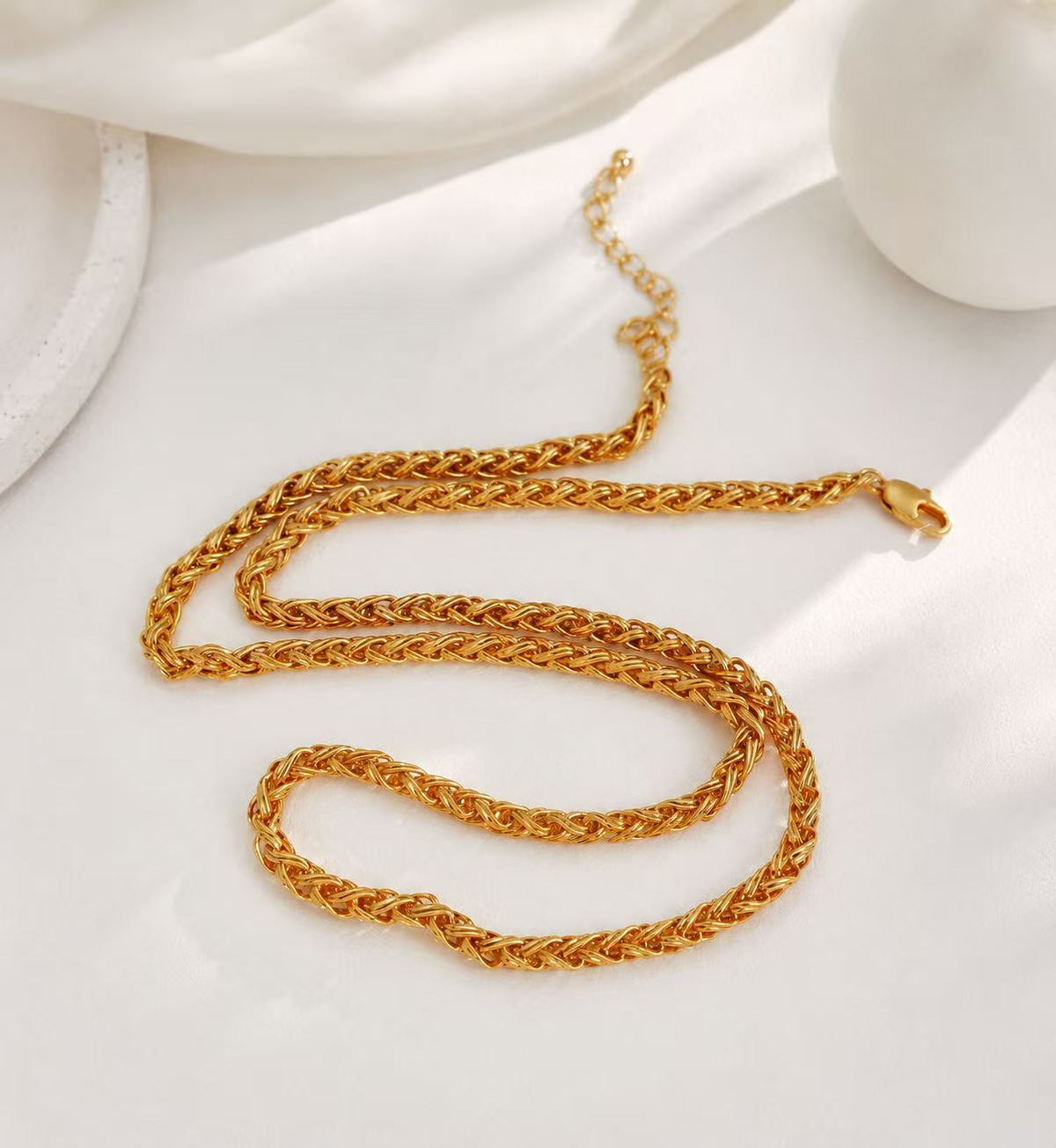
The gold-tone woven-chain necklace illustrates a recognizable design description. That description alone cannot prove that a supplier's “woven chain” is the same item.

Separate a product link from a stock receipt
Linking records says which identities correspond. Receiving stock says a specific quantity arrived through a particular event. Keep a receipt reference and a before/after quantity check separate from the crosswalk decision so an integration and a manual receipt cannot both add the same shipment unnoticed.
Likewise, know the importer's actual matching key. Shopify's product CSV overwrite behavior is handle-based and has column-dependency cautions; an internal SKU match does not make an arbitrary supplier spreadsheet safe to import. Review a proposed change and backup before an authorized operator acts.
Retain corrections as mapping history
If a confirmed mapping is later disproved, stop further updates through it, identify affected records, and assign correction work. Preserve the old mapping and its dates rather than deleting the evidence. Check quantities independently from descriptive fields.
For code definitions, use SKU versus barcode. For an unresolved item match, send the exact references through the wholesale inquiry page rather than assuming interchangeable products.